MacBook, iMac, Mac, Desktop, iPad & iPhone Repair & Upgrades in Falconridge
Your Apple devices deserve a specialist’s touch — and in Falconridge, that’s exactly what we deliver. From cracked iPhone screens to complete iMac SSD replacements, our Apple-certified technicians focus solely on keeping your MacBook, iMac, iPhone, and iPad performing at their best. Every repair uses Apple-grade components, backed by expert care.
Whether it’s a MacBook battery replacement, a quick iPhone port fix, or optimizing your iMac for speed, we make sure every detail is handled with precision. Located right here in Falconridge, we’re your go-to team for reliable Apple repairs that combine skill, authenticity, and a smooth customer experience.
Contact Us
Why Falconridge Residents
Trust Apple Expert
When Apple users in Falconridge need reliable repairs, they look for skill, trust, and lasting results. At Apple Expert, we combine certified knowledge with genuine parts to ensure every repair meets Apple standards. Whether it’s a MacBook screen or an iPhone battery, we treat every device with precision and care.
Our commitment goes beyond quick fixes — we focus on giving Falconridge residents a repair experience that feels personal, transparent, and dependable. Here’s what makes us the go-to choice for Apple users in the area:
Apple-Certified Technicians
Every repair is handled by trained, Apple-certified experts who understand your device inside and out.
Genuine Apple-Grade Components
We only use original or Apple-grade parts to maintain your device’s performance and reliability.
Proven Repair Expertise
From iPhone screen replacements to complex MacBook board repairs, our technicians have seen — and fixed — it all.
Same-Day Service on Common Repairs
Many iPhone screen and battery issues can be resolved the same day you visit.
Clear, Honest Pricing
You’ll always know the cost upfront — no hidden fees or surprise charges.
Local Trust & Reputation
Falconridge residents recommend us because we deliver consistent, high-quality results every time.
Apple Repairs & Data Recovery Services
We Offer in Falconridge
At Apple Expert, we provide Falconridge residents with dedicated repair and upgrade solutions for every Apple device. Whether it’s a cracked iPhone screen, a MacBook battery replacement, or an iMac performance boost, our Apple-certified team handles each service with precision, genuine parts, and the care your device deserves.
We don’t just fix problems — we help your device run better, last longer, and stay fully optimized for your needs. Here’s a closer look at the Apple repair and upgrade services we offer locally:
MacBook Repairs: Screens, Batteries & Logic Boards
From replacing a cracked Retina display to installing a new battery or repairing a faulty logic board, our MacBook repair services keep your laptop working like new. We ensure every part meets Apple standards for quality and performance.
iMac/Desktop Upgrades: SSDs, RAM & Performance Boosts
If your iMac or desktop feels slow, we can replace your hard drive with a high-speed SSD, upgrade the RAM, and fine-tune the system for faster load times and improved efficiency.
iPhone & iPad: Screen, Battery & Port Repairs
Whether it’s a cracked iPad screen, an iPhone charging issue, or a worn-out battery, we perform precise repairs that restore your device’s usability without risking your data.
Apple Accessories: Mouse, Keyboard & Trackpad Fixes
We repair unresponsive Magic Mice, sticky keyboards, and faulty trackpads so your Apple accessories work seamlessly again.
macOS Software Optimization & Updates
From fixing boot errors to installing the latest macOS version, we ensure your system runs smoothly and securely with full optimization.
Data Backup & Recovery Services
If you’ve lost important files, photos, or documents, we offer professional data recovery and backup services for iPhones, Macs, and iPads, helping you protect what matters most.
How Our Apple Repair Process Works
At Apple Expert Falconridge, we’ve refined our repair process to make it simple, transparent, and reliable for every customer. Whether you walk in with an iPhone screen issue or book ahead for a MacBook battery replacement, every step is handled by certified Apple technicians using genuine parts and proven methods.
Here’s how we work from start to finish:
- Book Ahead or Walk In Anytime
Choose the option that fits your schedule — book online for a reserved slot or walk in for immediate attention. - Free Comprehensive Device Diagnostics
We run a complete inspection to identify all issues, ensuring you know exactly what your device needs before any work begins. - Certified Apple Technicians Only
Every repair is performed by trained Apple-certified professionals who understand your device inside and out. - Same-Day Repairs on Select Jobs
For common fixes like screen replacements or battery swaps, we aim to return your device the very same day. - Warranty-Backed Service
All repairs come with warranty coverage for added peace of mind and confidence in our work. - Final Testing & Clean Handover
Before we return your device, we perform thorough testing and a final clean, so it’s ready to use right away.
Common Issues We Fix for Falconridge Clients
At Apple Expert Falconridge, we see the same issues Apple users face worldwide — but we fix them with precision, genuine parts, and certified expertise. From cracked iPhone screens to stubborn MacBook boot errors, we bring your device back to life without compromising its performance or data.
Here’s what we handle every day for our Falconridge clients:
Cracked Screens & Display Flickers
A broken display can ruin your Apple experience. We replace cracked glass, fix display flickers, and restore Retina clarity using Apple-grade screens for iPhones, iPads, and Macs.
Charging Port & Battery Failures
Whether it’s an iPhone that won’t charge or a MacBook with a dying battery, we repair and replace components so your device powers up reliably again.
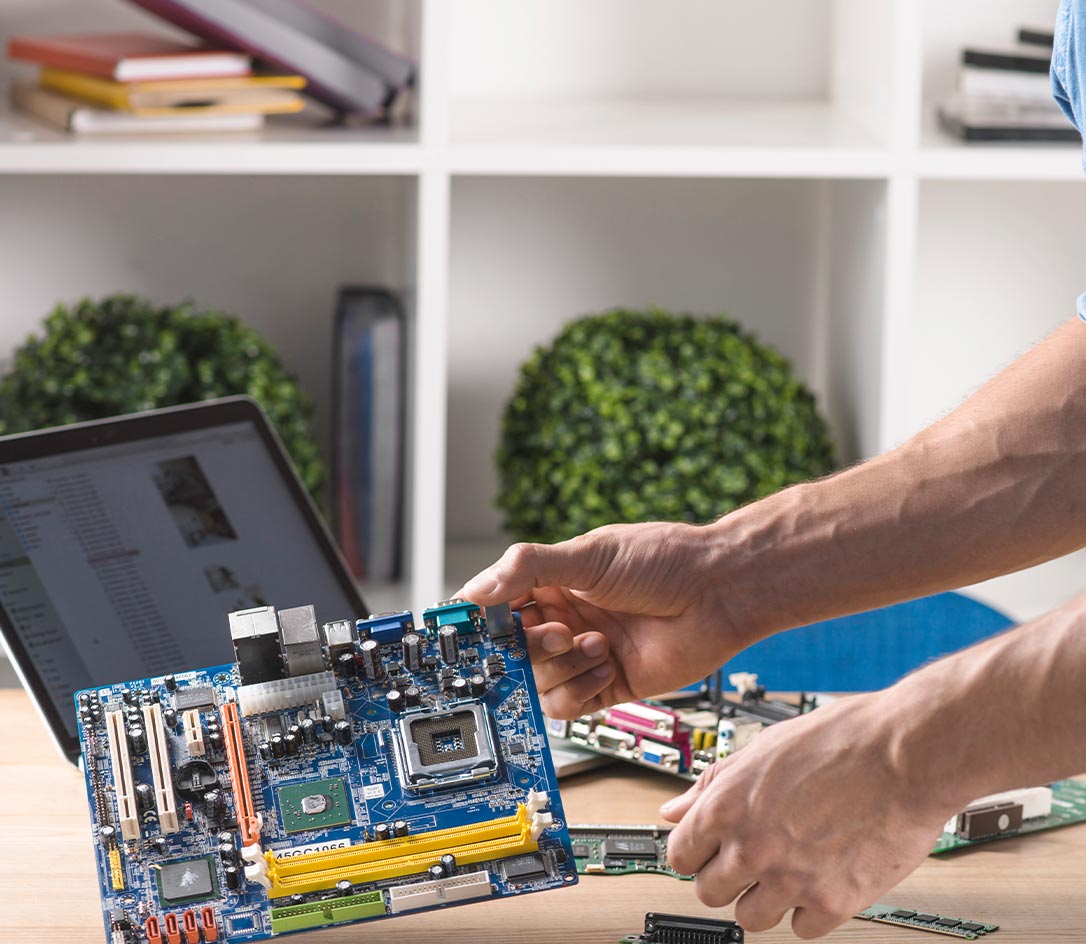
Liquid Damage & Motherboard Repairs
Spilled coffee or water can damage your device’s logic board. Our technicians specialize in cleaning, repairing, and restoring components after liquid exposure.
Trackpad, Keyboard & Mouse Issues
We fix sticky keys, unresponsive trackpads, and faulty Magic Mice to ensure smooth navigation and typing.
Boot Errors & macOS Update Crashes
If your Mac is stuck on the Apple logo or fails to update, we will resolve the issue and ensure your OS runs smoothly.
Data Loss & iCloud Recovery
Deleted files or inaccessible iCloud backups? We recover your data and set up secure backups to protect it in the future.
WHAT OUR CUSTOMERS SAY




FAQs
Can you replace my iPhone's back glass without affecting the camera?
Yes, we can replace your iPhone’s back glass without damaging or affecting the camera. The repair process targets only the damaged glass panel, leaving your camera assembly intact. We handle every step with care, so your photos and video quality remain exactly the same.
Will a MacBook battery replacement change my settings?
No, replacing your MacBook battery will not change your system settings or erase data. Your preferences, files, and apps remain as they are. We simply install the new battery, run performance tests, and ensure everything works exactly as you left it.
Do I need an appointment for a same-day iPad charging port fix?
You don’t need an appointment for most charging port repairs — walk-ins are welcome. If we have the part in stock, we can usually complete the service the same day. Booking ahead can save you time, but it’s not required.
Is it possible to recover data from a dead iMac?
Often, yes. Even if your iMac won’t power on, our team can remove the storage drive and attempt data recovery using specialized tools. Recovery success depends on the extent of damage, but we do everything possible to retrieve your important files.
Can you fix a MacBook trackpad without replacing the whole top case?
Yes, in many cases, we can repair or replace the trackpad separately without swapping the entire top case. We first diagnose whether it’s a hardware or connection issue and then recommend the most efficient, cost-effective fix for your device.